
Notes & assignment
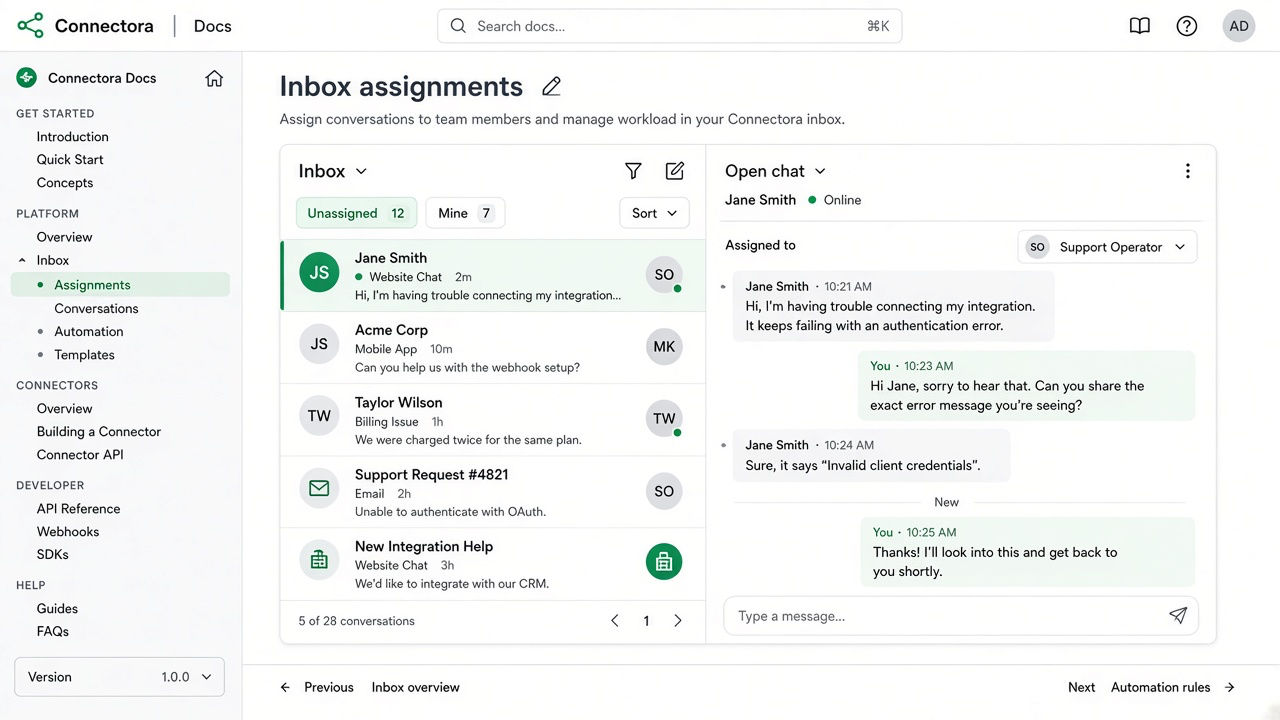
Assignment
- Open a conversation.
- Choose an assignee from your organization members.
- Filter the inbox by assignee when collaborating.
Internal notes
Notes stay inside Connectora - customers never see them on WhatsApp. Use notes for handoffs, order IDs, and escalation context.
On desktop and mobile, notes live under the Notes context tab next to Commerce. See Commerce sidebar for order and event details.